 Alastic
Thermal Printers for Receipts and Labels: A Practical Guide
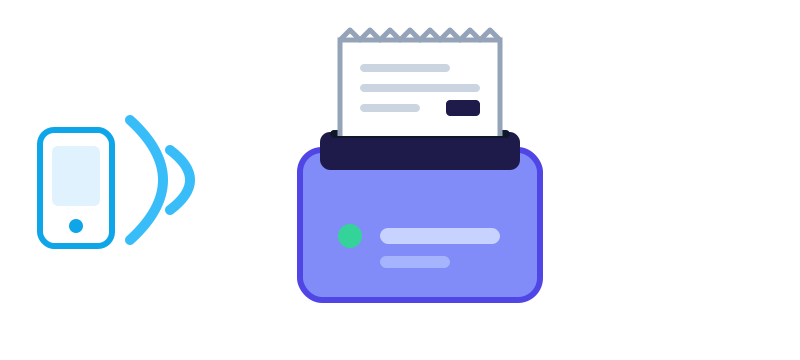
Walk into almost any shop, cafe or delivery stall and you will see a small printer pushing out a receipt. Thermal printers are popular because they are cheap, fast, quiet and need no ink. If you are thinking of buying one, or you already have one that behaves strangely, this guide covers what matters.
How thermal printing works
A thermal printer has a heated print head. The paper is coated with a chemical that turns dark when it gets hot, so the printer draws text and images by heating tiny dots. There is no ink or toner to replace. The only consumable is the paper.
Receipt printers and label printers
- Receipt printers print on continuous paper rolls and cut or tear off each receipt. They suit shops, kitchens and parking tickets.
- Label printers print on stickers, often with a gap or mark sensor so each label lands in the right place. They suit shipping labels, barcodes and shelf tags.
Some printers can do both, but check the specifications. A receipt printer without a label sensor will not line up stickers reliably.
Paper width: 58 mm or 80 mm
The two common roll widths are 58 mm and 80 mm. The printable area is a little narrower than the paper, roughly 48 mm on 58 mm paper and 72 mm on 80 mm paper. The 58 mm size is compact and fits pocket-sized printers. The 80 mm size holds more text per line and is standard for countertop receipt printers. Buy the paper that matches your printer, and look at the core size and roll diameter too, since oversized rolls will not fit.
Bluetooth, USB or Wi-Fi
- Bluetooth is best for mobile use. You print from a phone or tablet with no cable, and the printer can run on a battery.
- USB is simple and reliable at a counter, but it needs a computer or an adapter.
- Wi-Fi or Ethernet lets several devices share one printer, which suits kitchens and busy shops.
Pairing quality differs. Some printers use classic Bluetooth and some use Bluetooth Low Energy, and phones handle them differently, so check that your printer works with your phone's operating system before buying.
What the printer understands
Most receipt printers speak ESC/POS, a command language for text, alignment, bold, barcodes and cutting. Apps that print receipts translate their layout into those commands. Typical print resolution is around 203 dots per inch, which is fine for text and simple logos but not for detailed photos.
Troubleshooting
- Prints are faint: the paper may be loaded with the heat-sensitive side facing the wrong way. Charge the battery, raise the print density in the settings, and clean the print head gently with isopropyl alcohol on a cotton swab while the printer is off and cool.
- Blank paper comes out: same cause, usually the roll is inserted upside down.
- Garbled characters: the printer is using a different character set than the app. Look for a code page or encoding option, especially for accented letters.
- The printer will not pair: turn it off and on, remove the old pairing from the phone's Bluetooth list, and pair again. Make sure no other phone is already connected to it.
- Paper jams or skews: check that the roll sits straight, the cover is fully closed, and the paper is not damp.
Keep important receipts safe
Thermal paper fades over time, especially with heat, sunlight and contact with plastic. If a receipt matters for a warranty or tax record, take a photo or save a digital copy. Store rolls in a cool, dry place.
More guides
How to Price a Wash-and-Fold Laundry Service
The costs to count, a cost-per-kilo formula, a worked example, and how to set regular, express and per-item prices.

Five Simple Ways to Calm an Overloaded Mind
Breathing, grounding, writing, movement and talking to someone for when your head feels crowded, plus when to look for professional help.
How to Track and Forecast Prepaid Electricity
Why prepaid power seems to run out fast, how to work out your daily usage, and a simple formula to predict when your credit will run out.